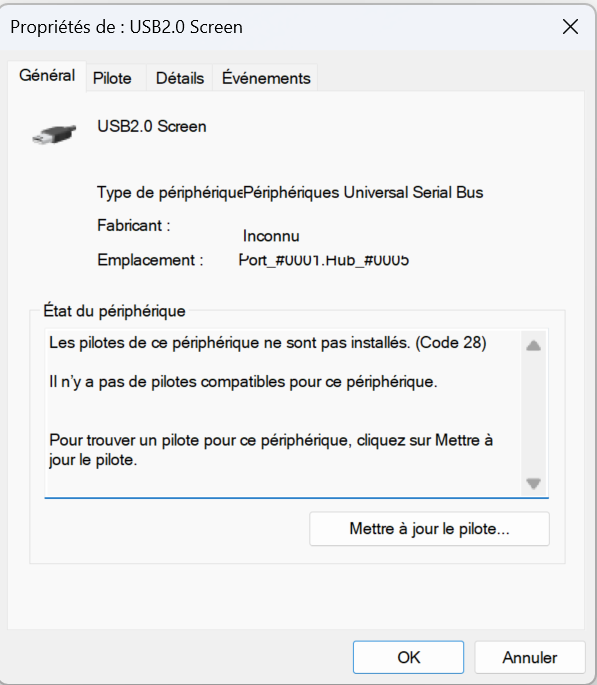
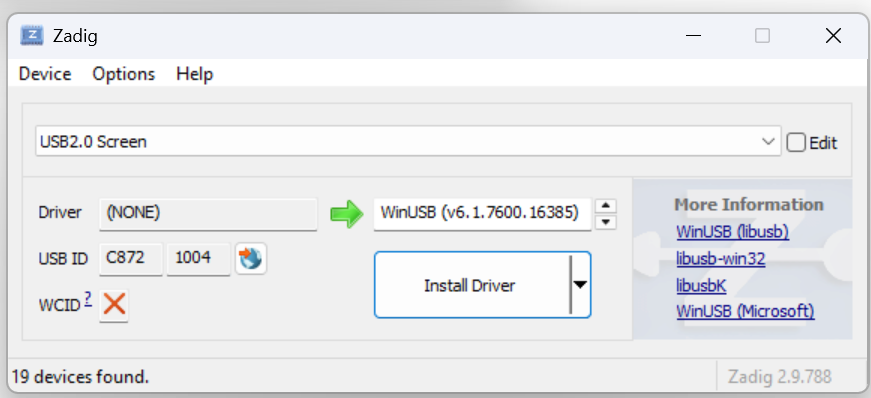
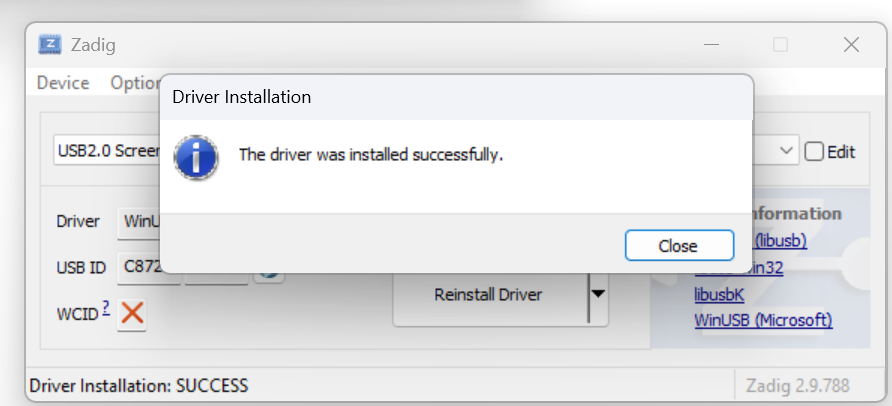
| Yellow triangle, code 28 in Device Manager | Driver missing | Section 2. |
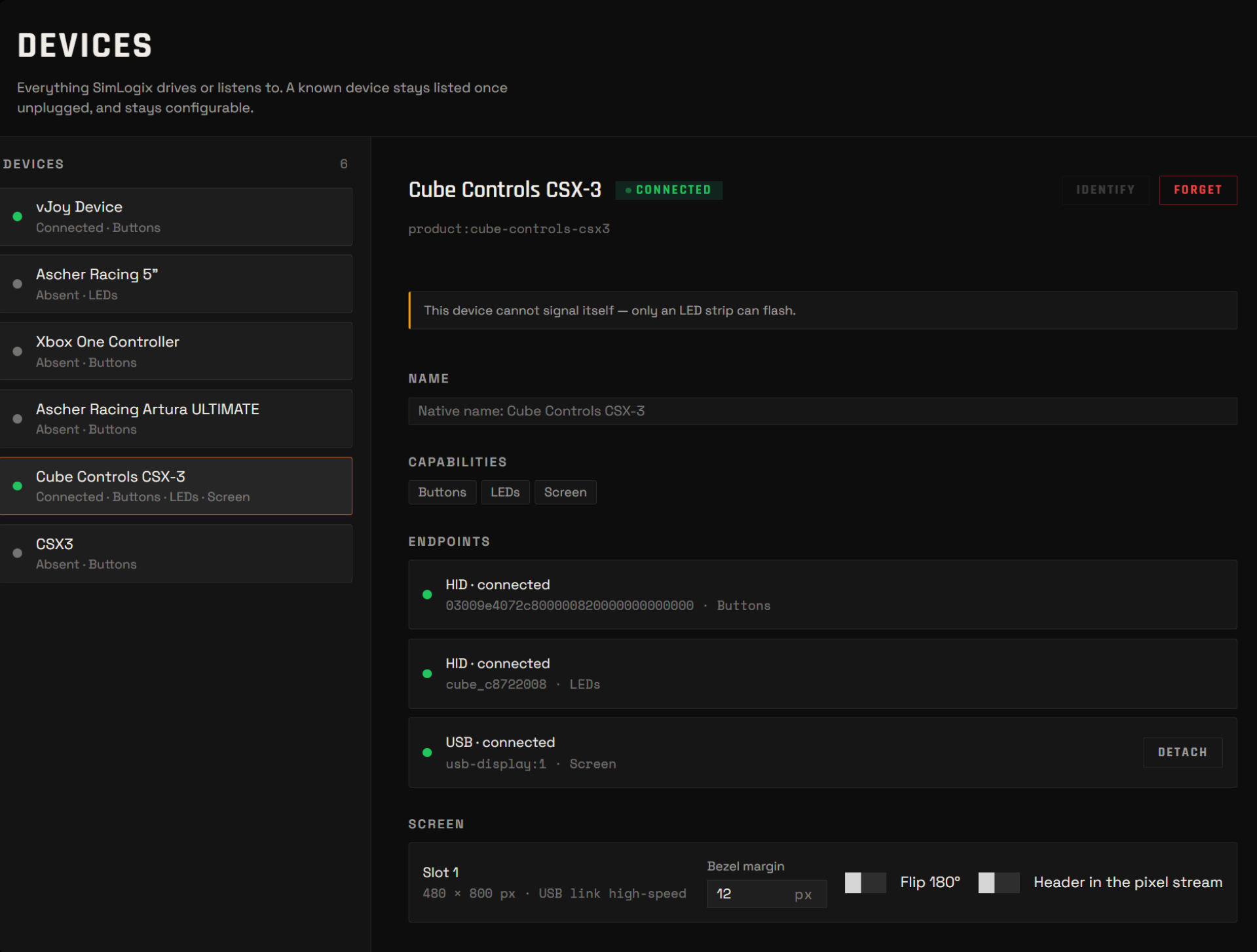
| Screen absent from Devices in SimLogix, but fine in Device Manager | Most often, another program is holding the screen (two programs cannot own it at once) | Close other dashboard software that drives the same screen. Replug the wheel, then relaunch SimLogix. Still absent? Ask on Discord with the app log (Settings → About → Logs). |
| Screen detected, dashboard launched, nothing drawn — or it worked and then froze mid-session | The screen has locked up (it does after a bad USB moment — a hub drop, a cable glitch) | Unplug the wheel's USB cable, wait ten seconds, plug it back in. A software restart is not enough: the screen can stay listed by Windows and still be dead until it loses power. |
| Devices shows the link as full-speed, or flags it as throttled | The wheel's USB hub negotiated a slow link (front-panel port, long cable, unpowered hub) | Move the wheel to a USB port on the back of the PC, with a short cable, no hub in between. Full-speed carries a fraction of the frames: the app drops the ones that do not fit rather than kill the screen, the picture stutters, and Devices tells you why. |
| Buttons or LEDs of the wheel stopped working after Zadig | The wrong entry was selected in Zadig | Section 5 to restore the original driver for that entry, then redo section 2 on the C872 1004 entry only. |